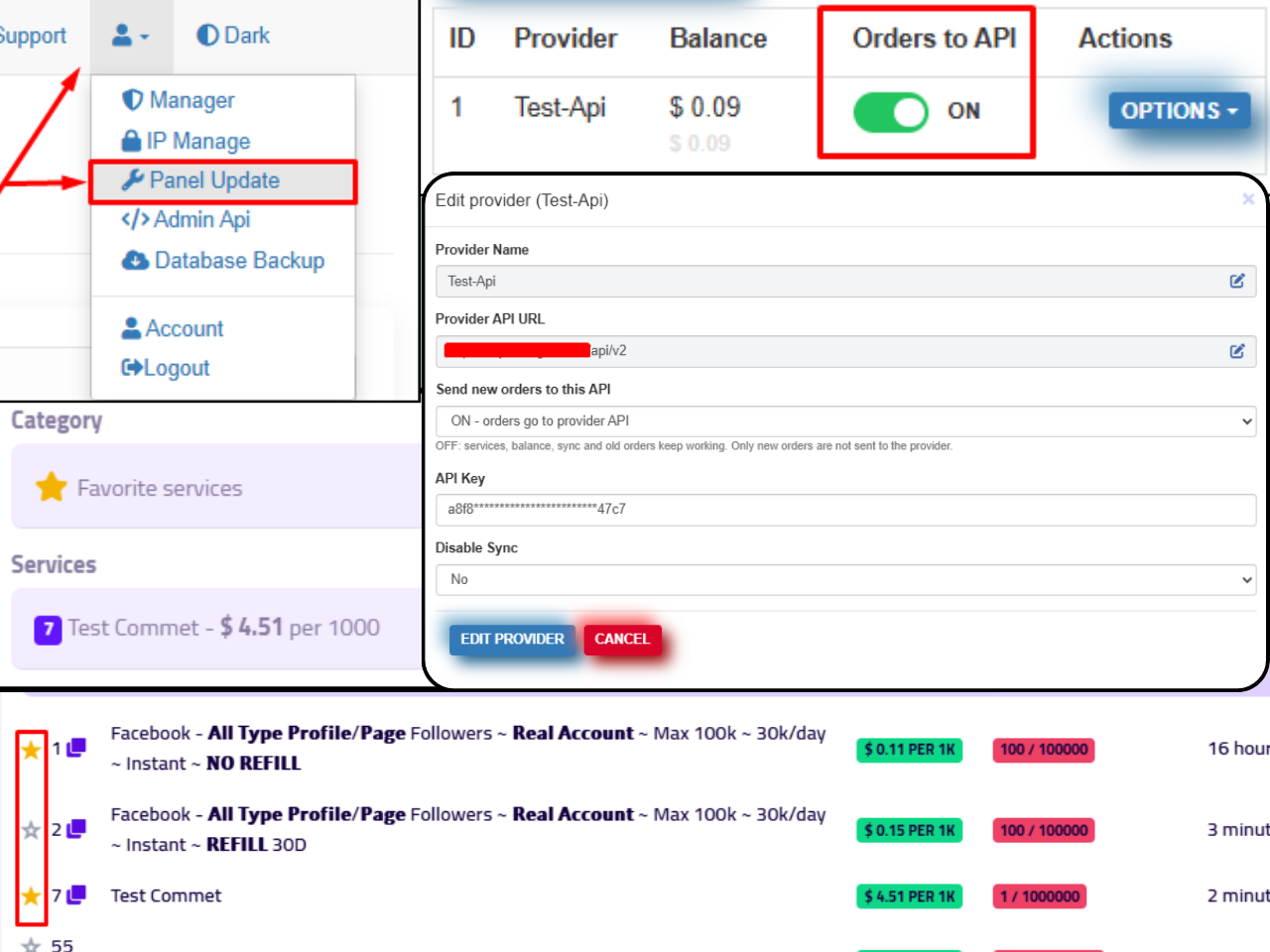
API Status ON/OFF System Added: You can now enable or disable order submission to an API provider.
ON: New orders are sent to the provider as usual.
OFF: No new orders are sent to that provider. Services, balance checks, synchronization, and existing orders continue to work as before. Updates for old orders will continue normally.
API Name & URL Editing Added: You can now edit the provider name and API URL directly from the Edit Provider section.
API Order Status System Updated: Improved order handling to ensure that disabling an API only affects new orders. Existing orders will continue to receive status updates as usual.
Favorite Services System Added: Users can mark services as favorites directly from the Services page. These services will appear under the Favorite Services category on the New Order page, making it easier to find and order frequently used services.
The Favorite Services category will only appear when the user has added at least one favorite service. If no services are marked as favorites, the category will remain hidden.
Additional Bug Fixes & Improvements: Various other issues have been fixed to improve system stability and the overall user experience.
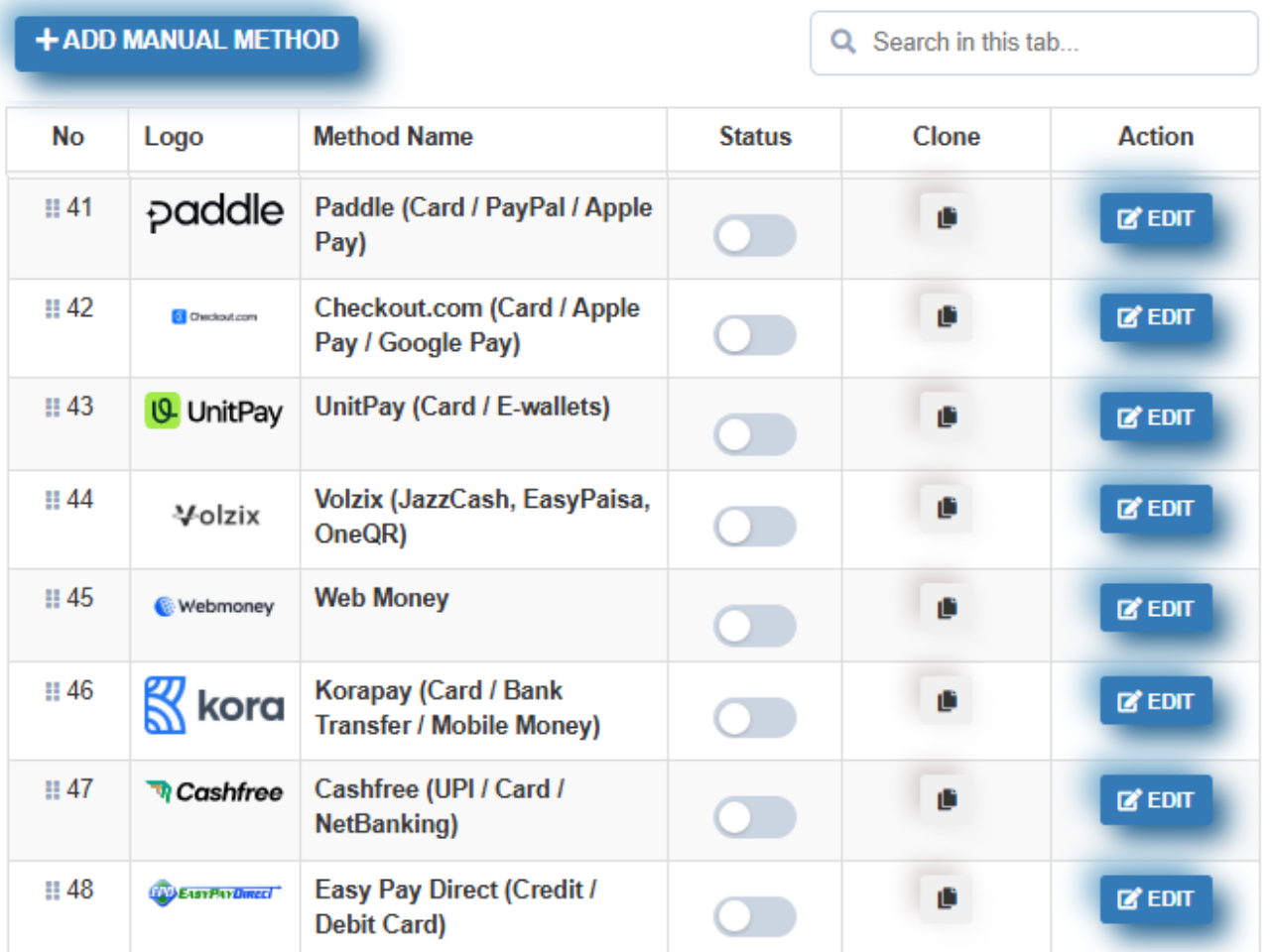
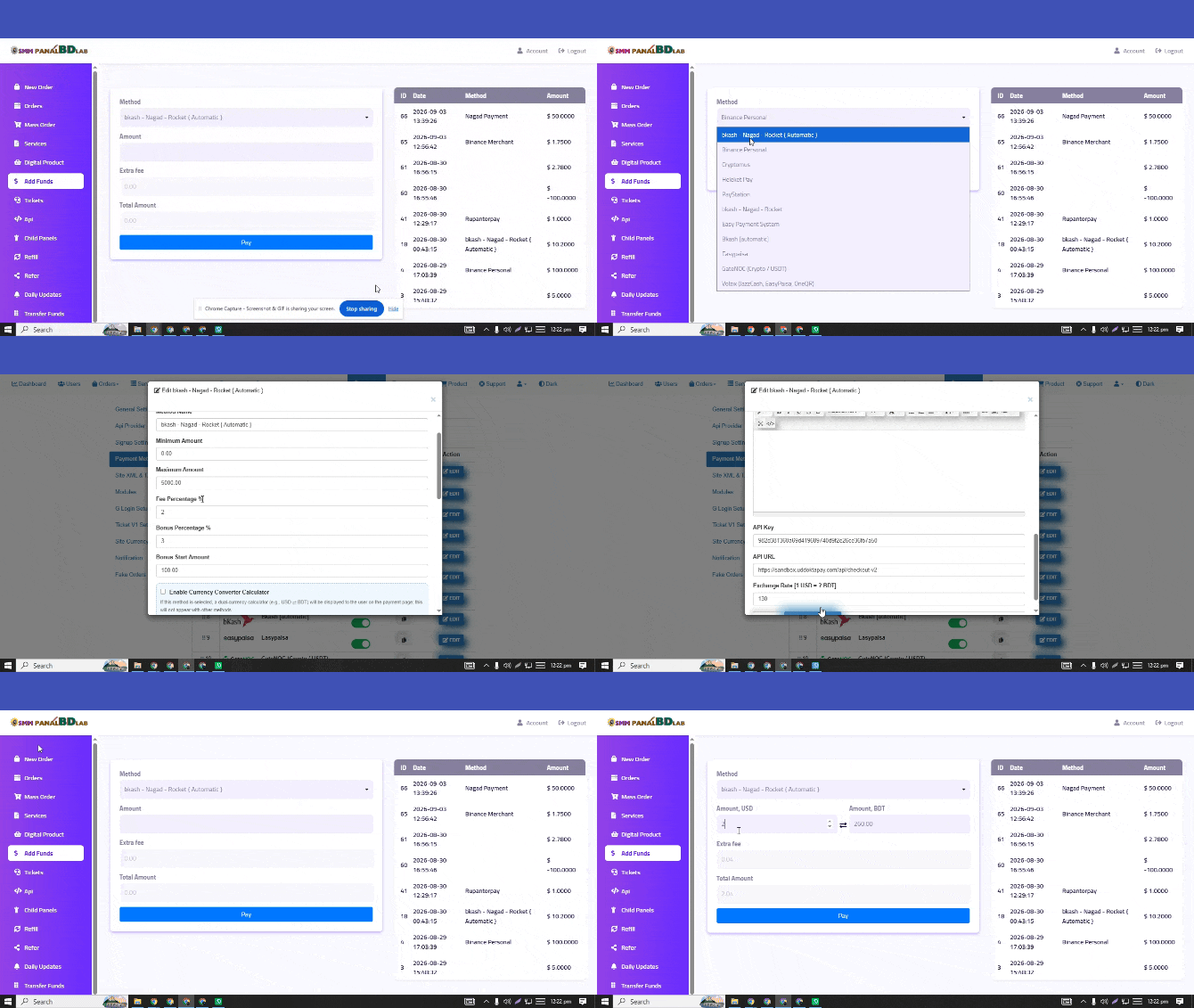
BharatPe Payment Method has been updated successfully. Some other issues have also been fixed and improved.
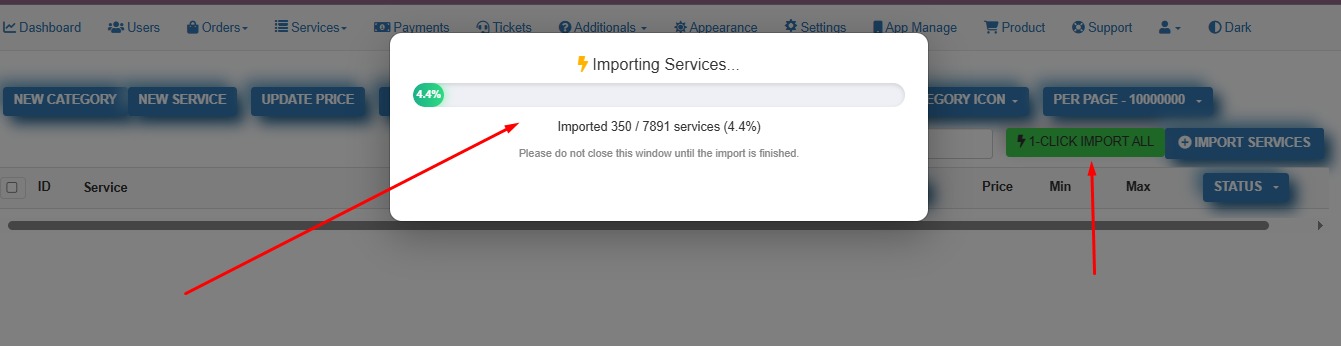
Zero Activity Users — Remove in One Click Added
Email Blocking Feature Added
— One Entry Per Line
admin > Setting > Signup Setting
Users cannot create an account using your blocked email
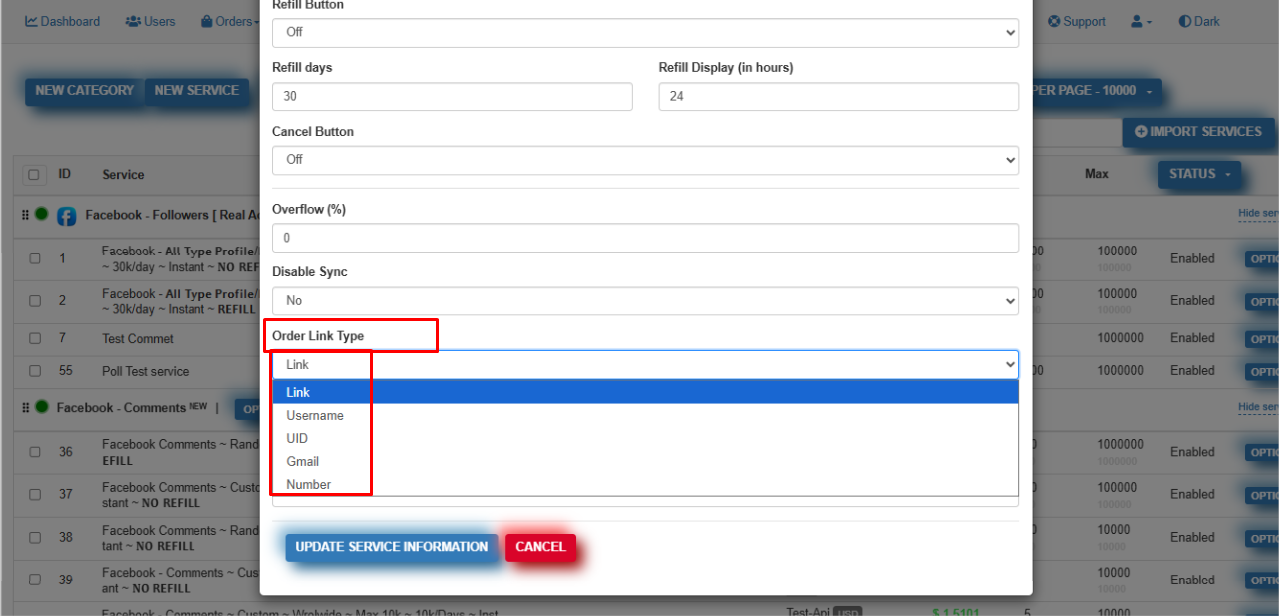
Order Link Type Option added
service edit page
Some Issue Fixd
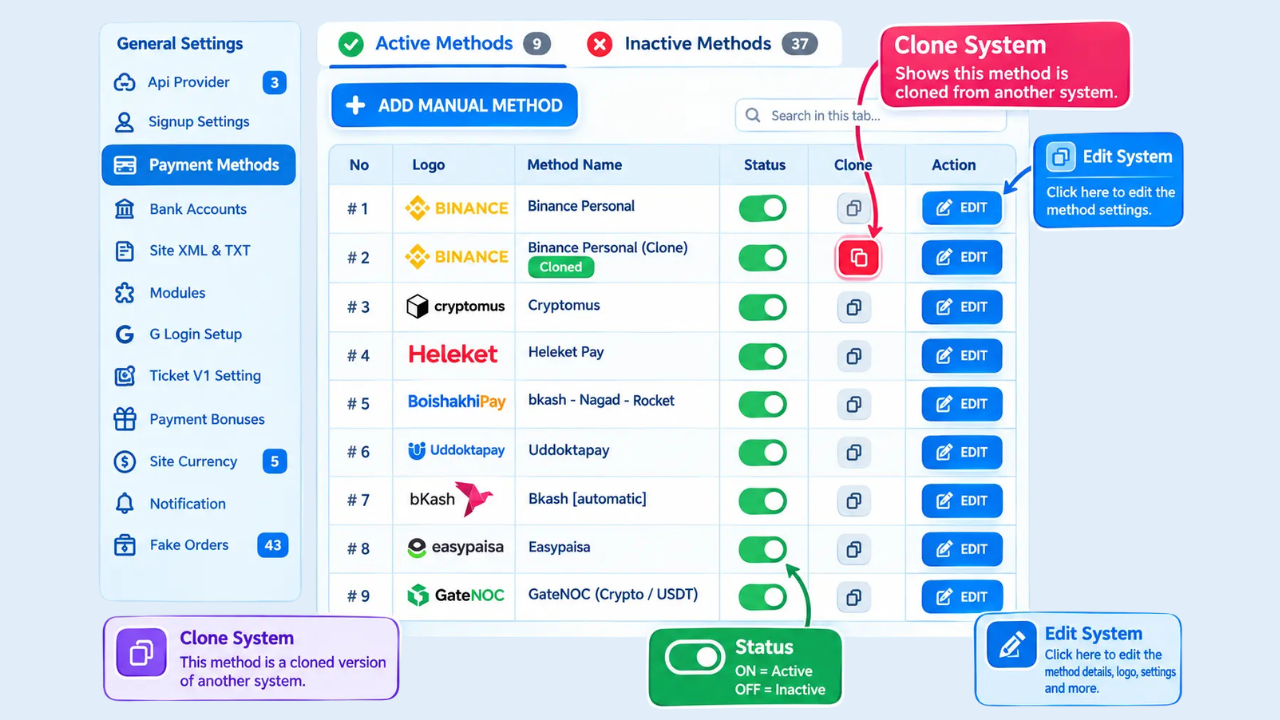
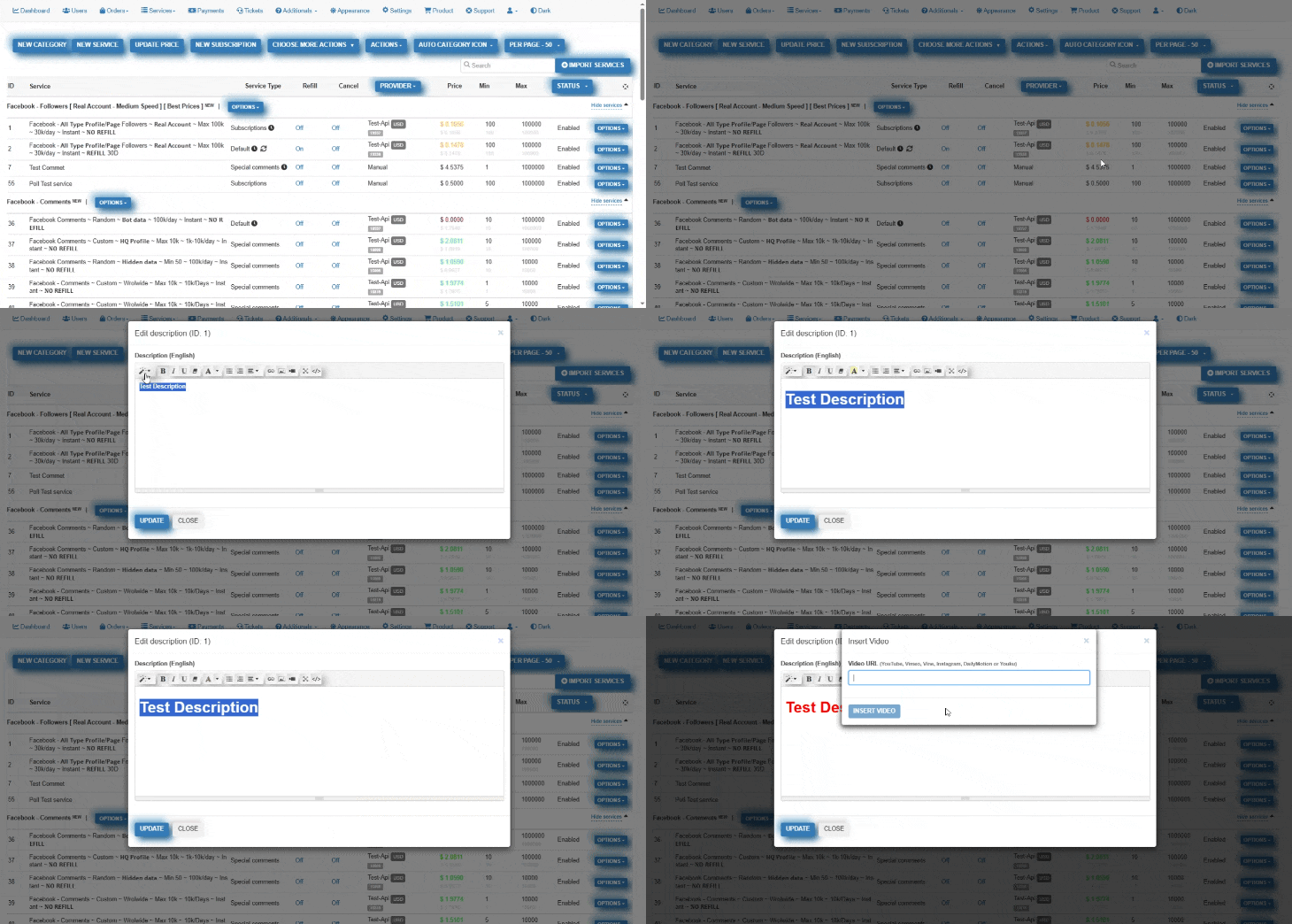
You can now create multiple copies of the same payment method directly from the admin area.
Each copy has its own independent configuration, including merchant credentials, limits, and other payment method settings.
With this update, you can:
• Create multiple variations of the same payment method
• Use different merchant accounts
• Configure separate limits and other settings
• Show different payment method copy variations to different groups of users
This gives you more flexibility when working with multiple merchants, payment processing rules, or regional payment setups.
You can access it on the Settings > Payments page of your admin panel.
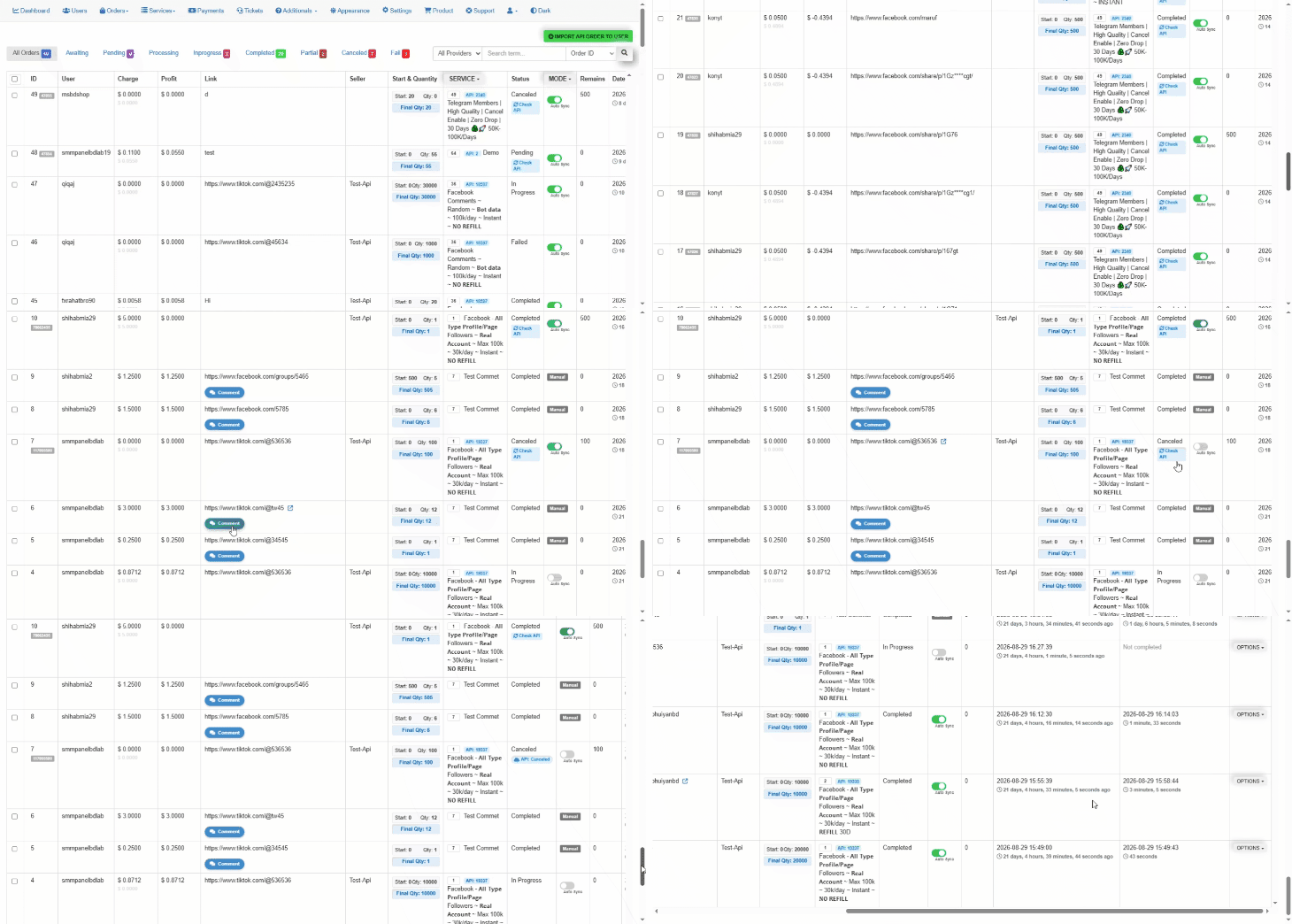
We have updated the order management system so that you can manage everything from the panel much more efficiently and smoothly.
An auto-update on/off system has been added. Additionally, to check the status of the live Providers
some new features have been added to the search filter, and a dashboard has been created to ensure a smooth user experience.
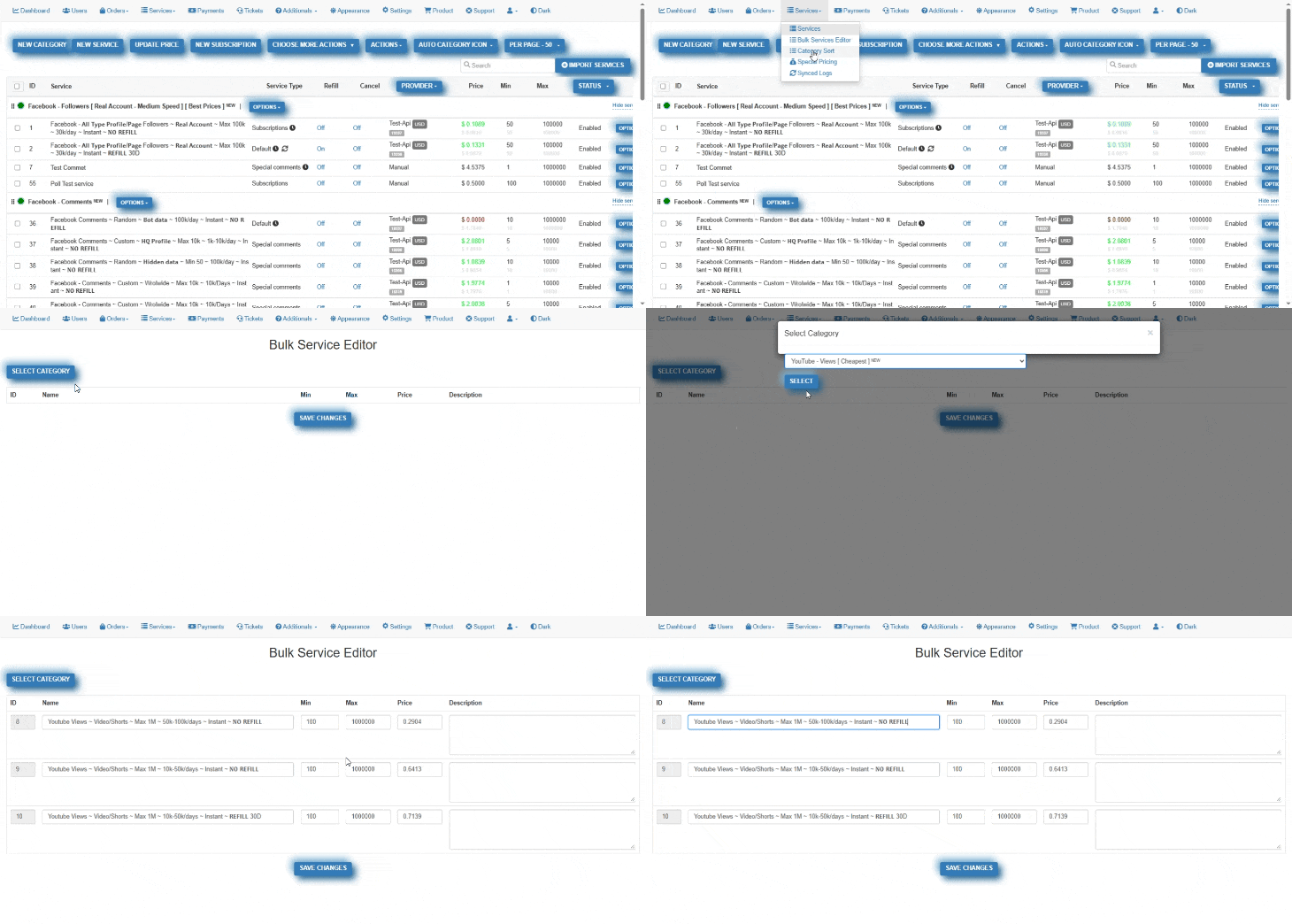
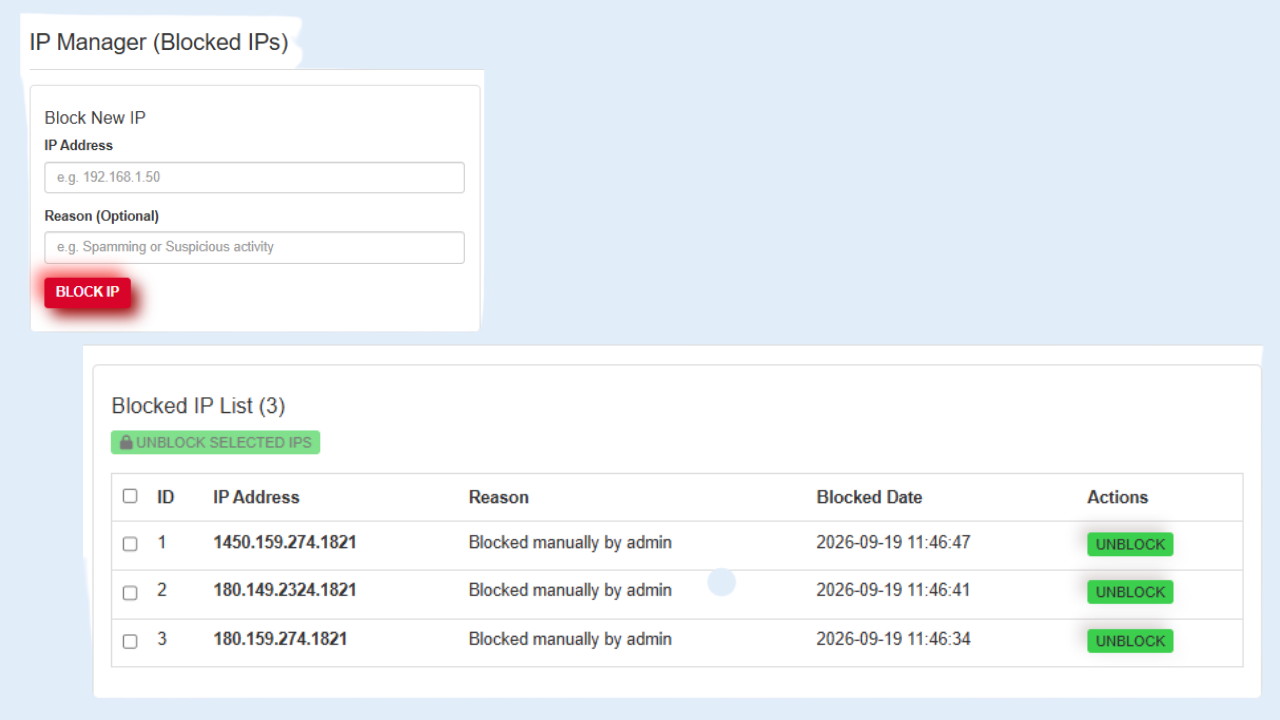
Now panel admins can block or unblock any IP directly from the dashboard.
• Protect your site from DDoS & attacks • Instantly block suspicious users • Unblock with one click • View full block history Stay safe & secure – control is now in your hands!
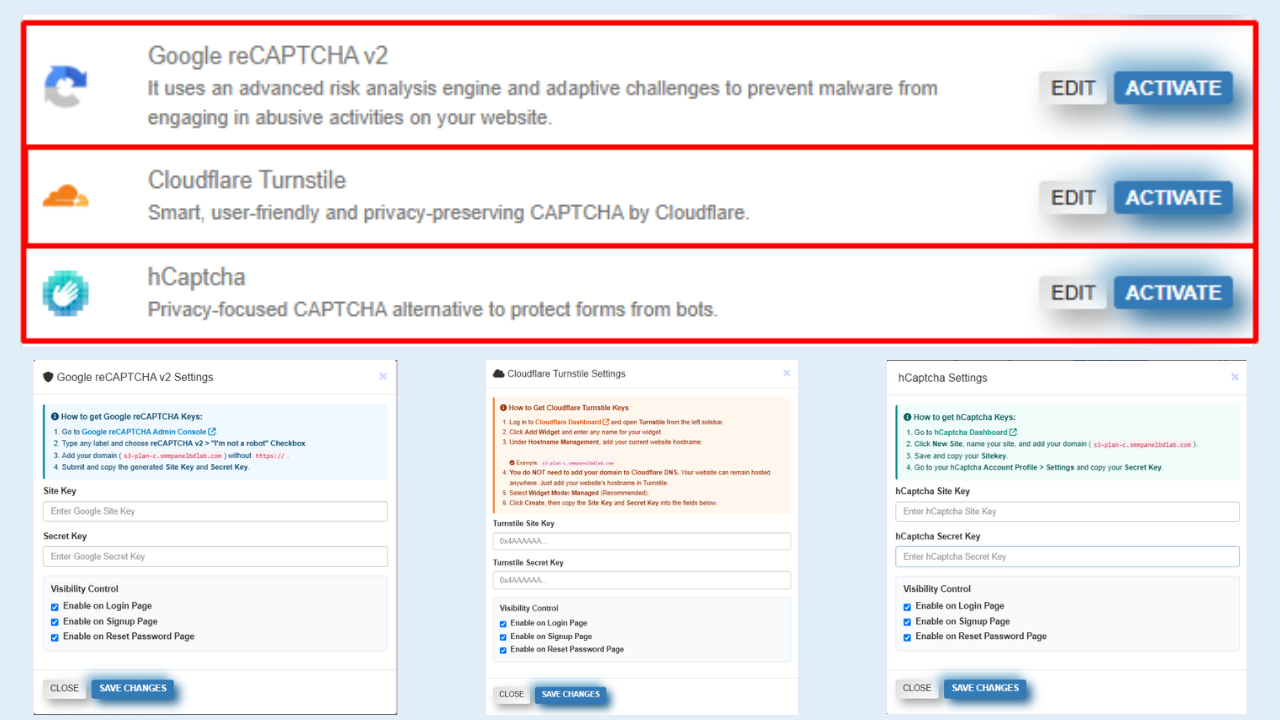
Protect your website from bots, spam, and automated abuse with multiple CAPTCHA security options.
| Google reCAPTCHA v2 |
| Cloudflare Turnstile |
| hCaptcha |